When configuring a Source in Sitecore Search, you’ll notice an option at the bottom called Incremental Updates, which can be enabled or disabled.
Incremental Updates allow you to update individual documents in the index—without performing a full index rebuild—using the Ingestion API. To enable this behavior, the Source must have Incremental Updates turned on. This can be particularly useful when integrating with XM Cloud and trying to mirror the incremental indexing approach traditionally used in Sitecore XM/XP with Solr. However, the actual benefit depends on the project, especially since factors like incremental static generation and front-end caching also influence how updates are delivered to end users.

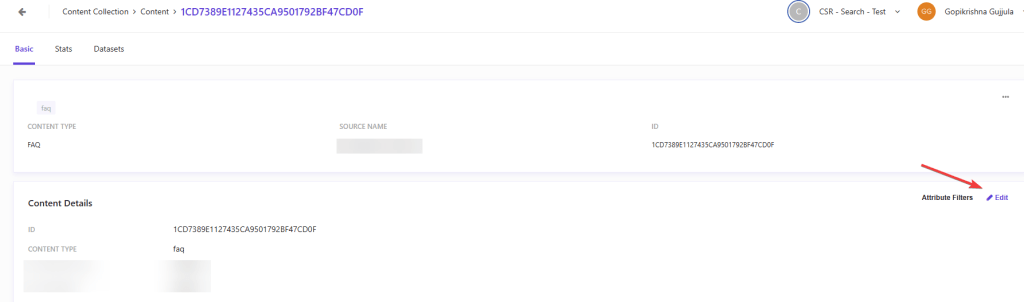
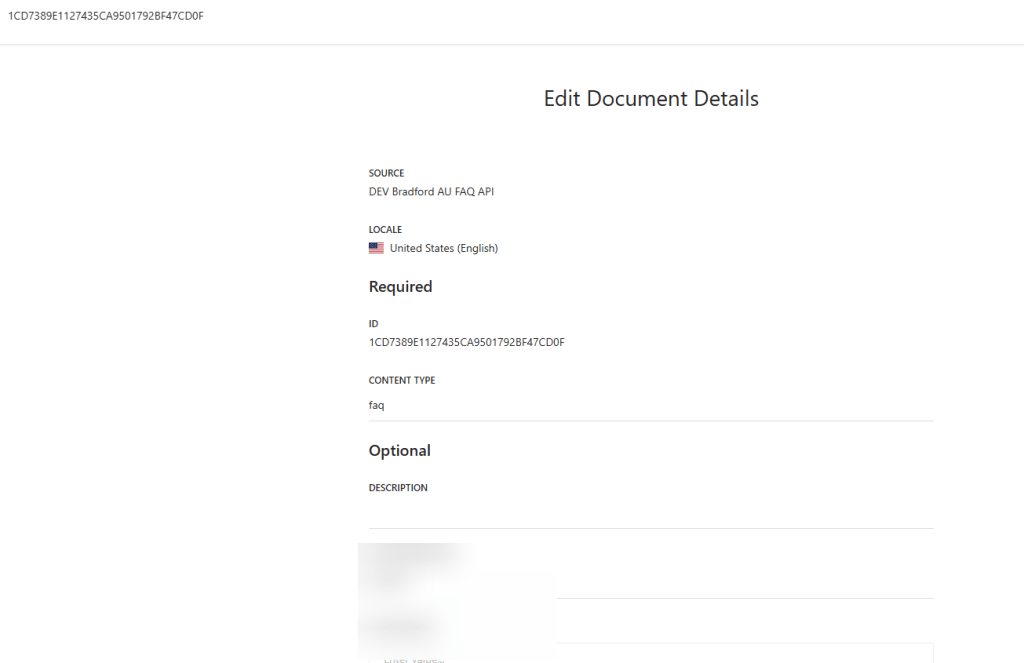
When this option is enabled, the Content Collection screen also exposes an “Edit” action that lets you manually update a single document. While this generally isn’t used in production, it can be helpful for testing or troubleshooting.
In summary:
Disable Incremental Updates if your Source relies solely on Sitemap or API crawlers and does not require document-level updates through the API.
Enable Incremental Updates if you plan to update documents via the Ingestion API.
Note: Sitemap triggers use the lastmod field in your sitemap to detect which URLs have changed. This significantly improves indexing speed and the efficiency of content updates. Because this mechanism already handles differential updates automatically, it does not require Incremental Updates to be enabled.
 Gopi's Blog